





Fotos ansehen


Kontaktliste
FAQ zur Fotoanzeige und Kontaktverwaltung
Wie hilft die Fotoanzeige‑Funktion Eltern?
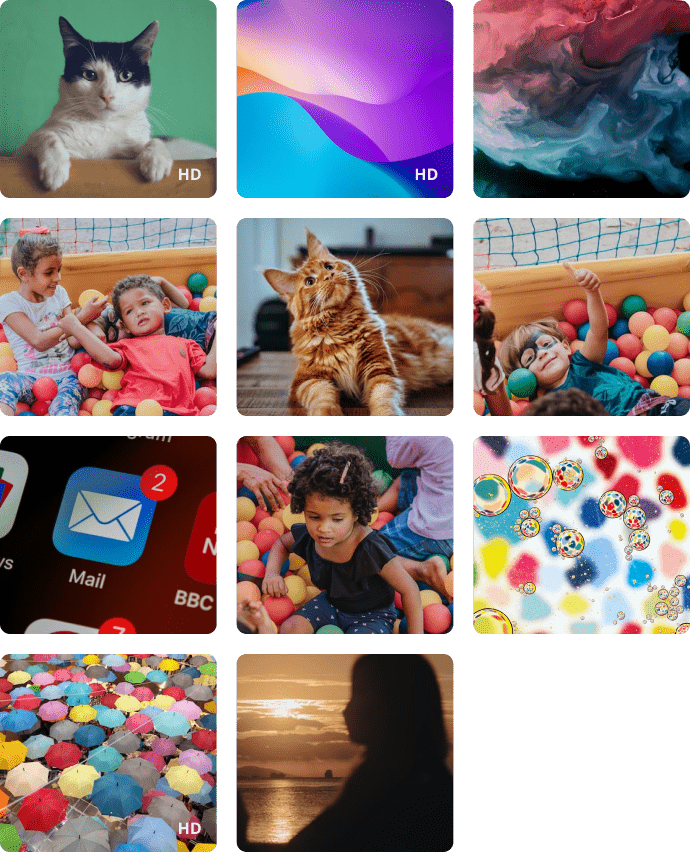
Mit der Fotoanzeige‑Funktion können Eltern aktuelle Fotos auf dem Gerät ihres Kindes einsehen. Die Funktion hilft dabei, besser zu verstehen, mit welchen Inhalten das Kind in Kontakt kommt und welche Fotos es aufnimmt oder empfängt.
Können Eltern Fotos auf dem Handy ihres Kindes einsehen?
Ja. Mit Kroha können Eltern die aktuellen Fotos aus der Galerie ihres Kindes einsehen. Die Funktion zeigt sowohl selbst aufgenommene Fotos als auch empfangene Bilder auf dem Gerät an.
Wie viele Fotos können Eltern in der Kroha-App einsehen?
Mit Kroha können Eltern die letzten 100 Fotos aus der Galerie ihres Kindes einsehen. Die Fotos werden in komprimierter Form gespeichert, um Speicherplatz zu sparen und die Leistung der App zu optimieren.
Welche Vorteile hat das Kontaktmanagement für Eltern?
Mit der Kontaktverwaltung behalten Eltern die Telefonkontakte ihres Kindes im Blick. Sie können gespeicherte Kontakte überprüfen, unbekannte Telefonnummern identifizieren und Kontakte entfernen, die für ihr Kind möglicherweise ungeeignet oder nicht vertrauenswürdig sind.
Kann ich Kontakte auf dem Gerät meines Kindes aus der Ferne hinzufügen oder löschen?
Ja. Im Bereich „Kontakte“ der Kroha‑App können Eltern die Kontakte auf dem Smartphone ihres Kindes verwalten. Sie können neue Kontakte hinzufügen, bestehende löschen und alle gespeicherten Kontakte einsehen.
Lernen Sie die anderen Funktionen der App für die Kindersicherung kennen


Installiere die App





