




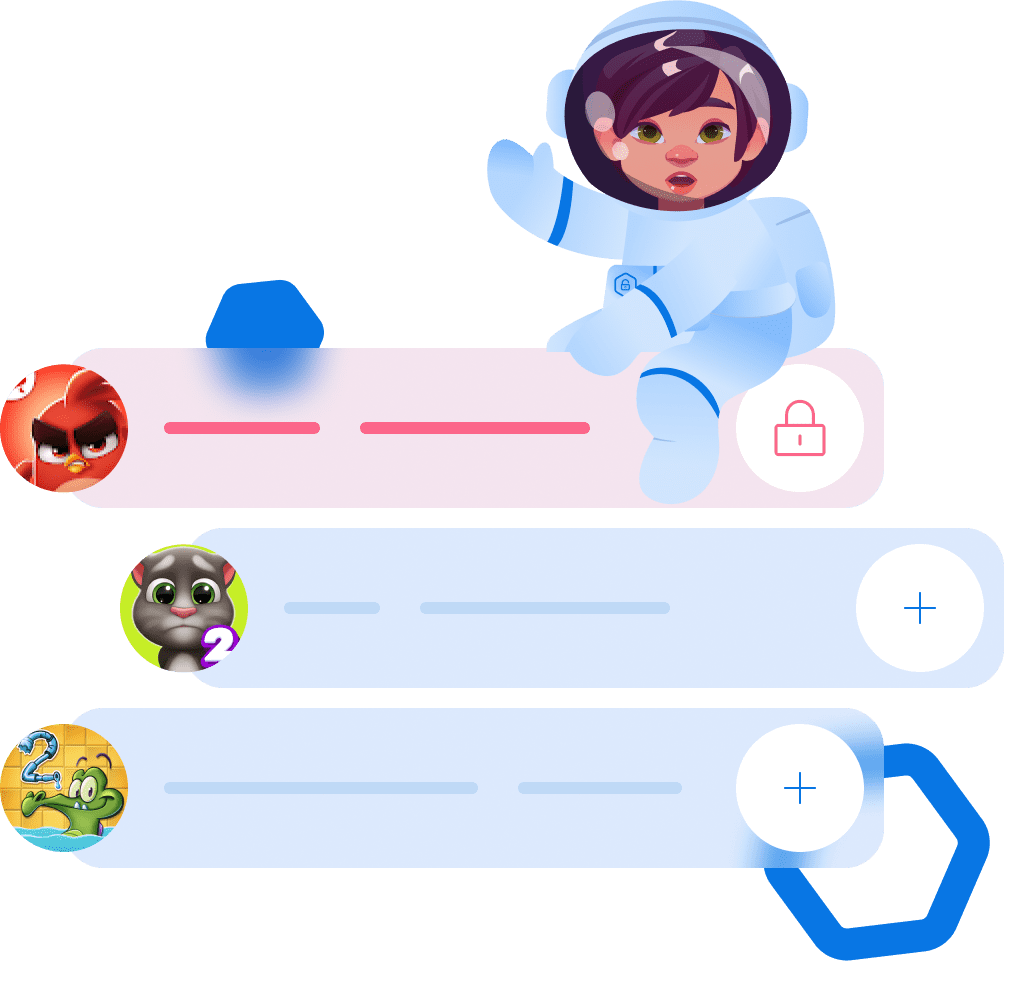
צור קטגוריות לאפליקציות


ערוך קטגוריות אפליקציות
- תמיד בלתי נעول
- תמיד חסום
- משחקים
- רשתות חברתיות
- דפדפנים
בעידן הדיגיטלי, השימוש המופרז בסמארטפונים משפיע בעיקר על ילדים, מה שהופך את חוסם האפליקציות לבלתי רק מועיל אלא חיוני.
חסימת אפליקציות לפי לוח זמנים
קביעת מגבלות לקטגוריות האפליקציות
אפליקציית Kroha לבקרת הורים ולחסימת אפליקציות לילדים

שאלות נפוצות על חסימת אפליקציות
איך מגבילים את זמן המסך לאפליקציות בטלפון של הילד?
ניתן להגביל את זמן המסך באפליקציות על ידי הגדרת מגבלות שימוש יומיות, יצירת לוחות זמנים וחסימת אפליקציות מסיחות דעת בשעות מסוימות. Kroha עוזרת להפוך את הכללים האלה לאוטומטיים ולשמור על עקביות ביישום שלהם.
האם אפשר לחסום אפליקציות בטלפון של הילד בלי להסיר אותן?
כן. באמצעות Kroha אפשר לחסום אפליקציות בלי למחוק אותן, בעזרת לוחות זמנים או מגבלות שימוש. כך הילד יכול להשאיר את האפליקציה מותקנת, אבל ההורה שולט מתי וכיצד ניתן להשתמש בה.
איך מגבלות זמן המסך לאפליקציות עובדות?
מגבלות זמן מסך מגדירות מתי ולכמה זמן ניתן להשתמש באפליקציות. באמצעות Kroha אפשר להגדיר מגבלות יומיות, לחסום אפליקציות נבחרות וליצור לוחות זמנים — למשל, לחסום משחקים בלילה או להגביל את YouTube במהלך שעות הלימודים.
איך פועלת התכונה “נעילת אפליקציות”?
נעילת אפליקציות מאפשרת לנהל ולהגביל את הגישה לאפליקציות במכשיר של הילד. ניתן לראות אילו אפליקציות מותקנות, לחסום אפליקציות או קטגוריות מסוימות, ליצור לוחות זמנים לשימוש ולהגביל את זמן המסך היומי. כך אפשר לשלוט מתי וכיצד הילד משתמש באפליקציות.
איך פועלת התכונה “נעילת טלפון”?
נעילת טלפון חוסמת את כל האפליקציות במכשיר של הילד, למעט פעולות חיוניות כמו שיחות. הילד עדיין יכול ליצור איתך קשר, אך במהלך תקופת הנעילה הוא לא יוכל להשתמש במשחקים, ברשתות חברתיות או באפליקציות אחרות.
הכירו תכונות נוספות של אפליקציית בקרת הורים







