


orbitals

사진 및 연락처

자녀를 보호하기 위해 때때로 자녀가 누구와 소통하고 있는지, 무엇에 관심이 있는지 이해해야 합니다. 부모는 Kroha 앱을 이용하여 자녀의 기기에서 사진을 보고 연락처를 확인할 수 있습니다.
App statistics

사진 보기

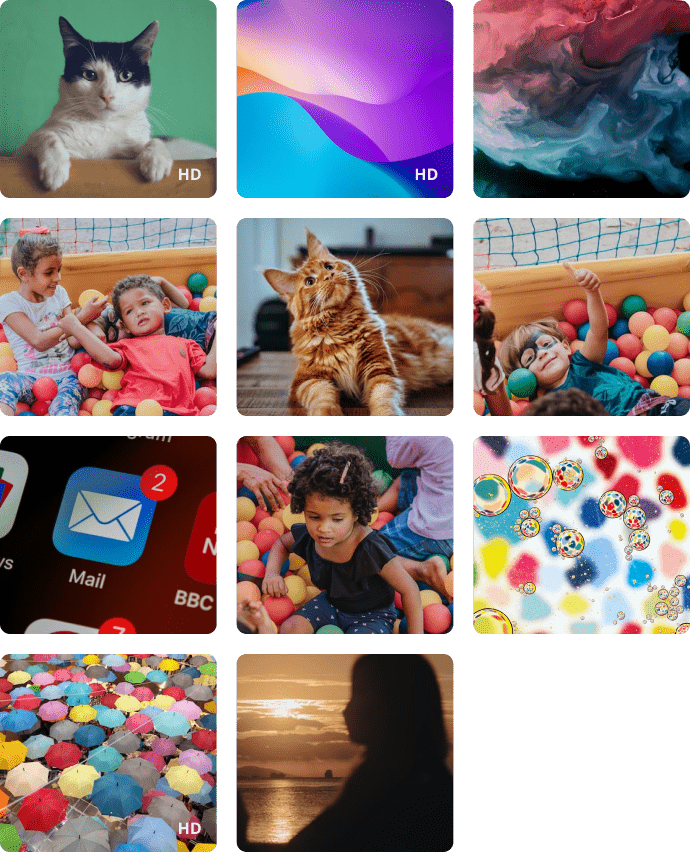
부모는 사진 보기 기능을 사용하여 자녀가 스마트폰으로 최근에 찍거나 받은 사진을 볼 수 있으며, 자녀의 갤러리에 저장된 최근 100장의 사진만 볼 수 있습니다. 사진은 압축된 형식으로 저장되어 공간을 절약하고 앱 작동 속도를 높입니다. HD 품질의 사진이 필요한 경우 사진을 누르고 HD 품질의 사진 다운로드 요청을 보내십시오.
picture
찾다
icon
А
Alexandra
+1 (555) 555-1234
+1 (555) 555-1234
+1 (555) 555-1234
icon
Alina
+1 (555) 555-1234
icon
Alina
+1 (555) 555-1234
icon

연락처 목록

연락처 목록은 부모가 자녀의 의사 소통을 제어할 수 있는 기능 중 하나입니다. 부모는 자녀의 스마트폰에 저장된 모든 연락처를 볼 수 있습니다. 부모가 원격으로 새 연락처를 추가하거나 불필요한 연락처를 삭제할 수 있어 매우 편리합니다.

Contact Management & Photo Tracking - FAQs

How is the Photo Tracking feature useful for parents?

The Photo Tracking feature allows parents to view recent photos that the child has taken or received on their device. This can help parents better understand what content the child is exposed to or viewing or receiving.

Can parents see photos saved on the child’s phone?

Yes. Kroha allows parents to view recent photos saved in the child’s gallery. This may include photos taken by the child as well as images received on the device.

How many photos can parents view in the Kroha app?

Parents can view the last 100 photos from the child’s gallery in the Kroha app. The photos are stored in compressed form to save space and help the app work faster.

Why is Contact Management useful for parents?

Contact Management helps parents understand who is saved in the child’s phone contacts. It can be useful when parents want to check unfamiliar contacts or remove numbers that may not be appropriate or safe for the child.

Can I remotely add or delete a contact on my child’s phone?

Yes. In the Contacts section of the Kroha app, parents can add new contacts to the child’s phone or delete contacts that are no longer needed. Parents can also view all contacts saved on the child’s smartphone.

앱 설치

자녀가 온라인에서 직면하는 위험 감소
사이트에서 다운로드하기





