





Telegram
3小时14分15秒

| 4个小时 | |||||||
| 3小时 | |||||||
| 2小时 | |||||||
| 1小时 | |||||||
| 30分钟 | |||||||
| Mon | Tue | Wed | Thu | Fri | Sat | Sun |
|---|

TikTok - Make Your Day
1小时14分15秒

YouTube
1小时14分15秒
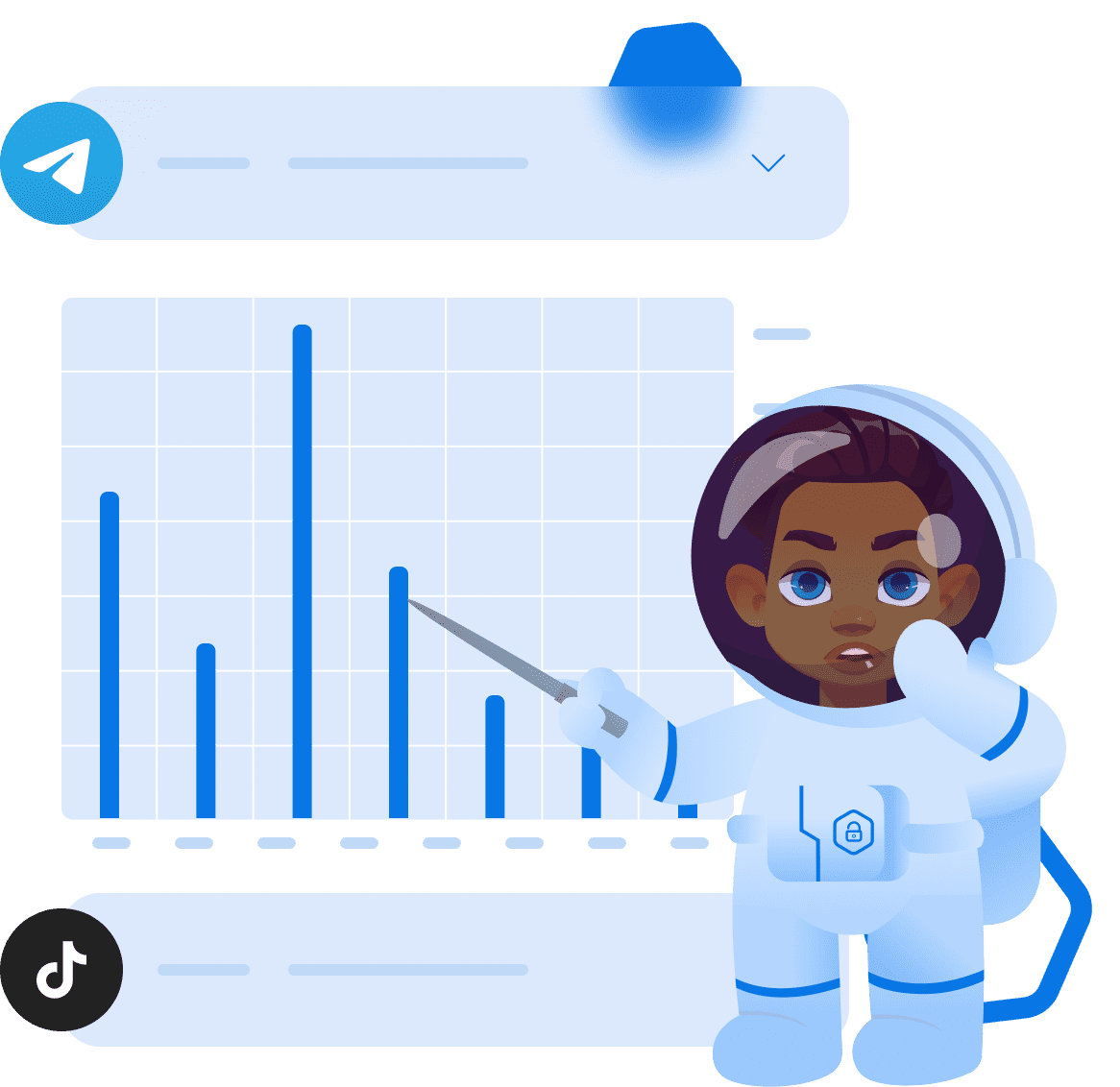
应用程序使用情况统计
父母可访问:
- 每日应用程序使用情况统计(仅适用于儿童Android设备)。
- 每周应用程序使用情况统计(仅适用于儿童Android设备)。
- 按日历统计应用程序使用情况(仅适用于儿童Android设备)。
电话统计
父母可访问:
- 查看孩子手机上的电池电量。
- 消耗的互联网流量(upload/download)。
- 手机可用存储大小、SD卡可用存储大小。
电池电量
21%

使用流量
出站流量
0 kb
传入流量
0 kb
可用磁盘空间

16,54 Gb / 50,31 Gb

Google
9:40
2小时
TikTok - Make Your Day
9:40
2小时

http://ctc.com
9:40
2小时
Telegram
9:40
2小时

HayDay
9:40
2小时
新闻提要
按时间顺序排列的有关孩子白天如何与设备互动的信息。在新闻提要中,父母可以看到孩子在什么时间使用了哪些应用程序、他给谁打电话、给谁写信、打开了哪些网站、上传了哪些照片。
手机使用统计常见问题解答
手机使用统计功能如何帮助家长?
手机使用统计功能可帮助家长了解孩子常用的应用及其使用时长,从而发现可能的过度使用情况。
统计部分会显示哪些信息?
统计部分会显示孩子手机的电池电量、流量使用情况、可用手机存储空间以及可用 SD 卡存储空间。这有助于家长了解孩子设备的整体状态。
家长可以在 Android 的应用使用统计中查看哪些信息?
应用使用统计功能可帮助家长查看孩子在 Android 设备上的应用使用时间。Kroha 提供每日、每周和按日期统计的使用数据。
活动动态会向家长显示哪些信息?
活动时间线会按时间顺序显示孩子一天中与设备的互动情况。家长可以查看应用使用情况、通话、消息、访问的网站以及照片记录。
应用统计功能支持孩子的 iPhone 吗?
不支持。单个应用的使用统计功能仅适用于孩子的 Android 设备。由于 iOS 系统限制,该功能无法在孩子的 iPhone 上使用。
了解家长控制应用程序的其他功能







