




Photo View: The Pros of Photo Tracker App
Whether you’re a parent to a preschooler, a grade schooler, or a teenager, it’s understandable that you want to ensure the safety and well-being of your child. At the same time, it’s crucial to give your child a breathing room — a space to make their own decisions — to encourage their autonomy and independence. After all, it’s the only way to ensure your child becomes a self-sufficient adult. That’s why it’s pivotal to find a balance between helicopter parenting and nurturing self-sufficiency, especially in older children.
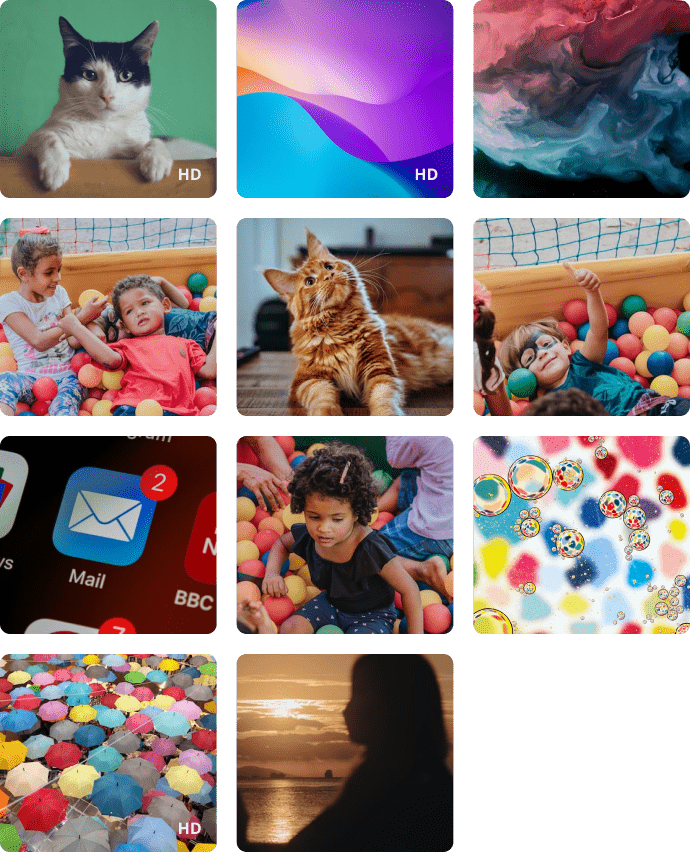
An app for managing contacts and tracking photo is a powerful tool that should go hand in hand with communicating with your kids and explaining the dangers of cyber bullying and Internet anonymity. With the Photo View function, parents can view on their smartphone the photos that the child has taken or received recently, only the last 100 photos from the child's gallery are available for viewing. The photos are stored in compressed form, to save space and speed up the application, if you need a photo in HD quality, click on the photo and send a request to download a photo in HD quality.


Contact List: Why Install App for Managing Contacts
In some cases, phone advertisers can target your teenagers and tweens with incessant calls about products or services. Additionally, your kid can become a victim of many phone frauds. For instance, one of the most popular varieties involves scammers accessing your kid’s number and presenting themselves as bank representatives. The underlying point is that the contact and photo tracker app is your best choice to ensure your child’s safety.
That’s why, whether you’re a parent to a preschooler or a tween, the tracking photo and contacts app gives you ample opportunity to monitor your kid’s call history and shield them from advertisers, scammers, and cyber bullies. Contact List is one of the functions allowing parents to control the communication of the child. The parents can see all the contacts recorded on the child's smartphone. It is very convenient that parents can remotely add a new contact or delete an unnecessary one.
Contact Management & Photo Tracking FAQs
How is the Photo Tracking feature useful for parents?
The Photo Tracking feature allows parents to view recent photos that the child has taken or received on their device. This can help parents better understand what content the child is exposed to or viewing or receiving.
Can parents see photos saved on the child’s phone?
Yes. Kroha allows parents to view recent photos saved in the child’s gallery. This may include photos taken by the child as well as images received on the device.
How many photos can parents view in the Kroha app?
Parents can view the last 100 photos from the child’s gallery in the Kroha app. The photos are stored in compressed form to save space and help the app work faster.
Why is Contact Management useful for parents?
Contact Management helps parents understand who is saved in the child’s phone contacts. It can be useful when parents want to check unfamiliar contacts or remove numbers that may not be appropriate or safe for the child.
Can I remotely add or delete a contact on my child’s phone?
Yes. In the Contacts section of the Kroha app, parents can add new contacts to the child’s phone or delete contacts that are no longer needed. Parents can also view all contacts saved on the child’s smartphone.
Get to know other features of the parental control app







