






| 4 hours | |||||||
| 3 hours | |||||||
| 2 hours | |||||||
| 1 hour | |||||||
| 30 min | |||||||
| Mon | Tue | Wed | Thu | Fri | Sat | Sun |
|---|


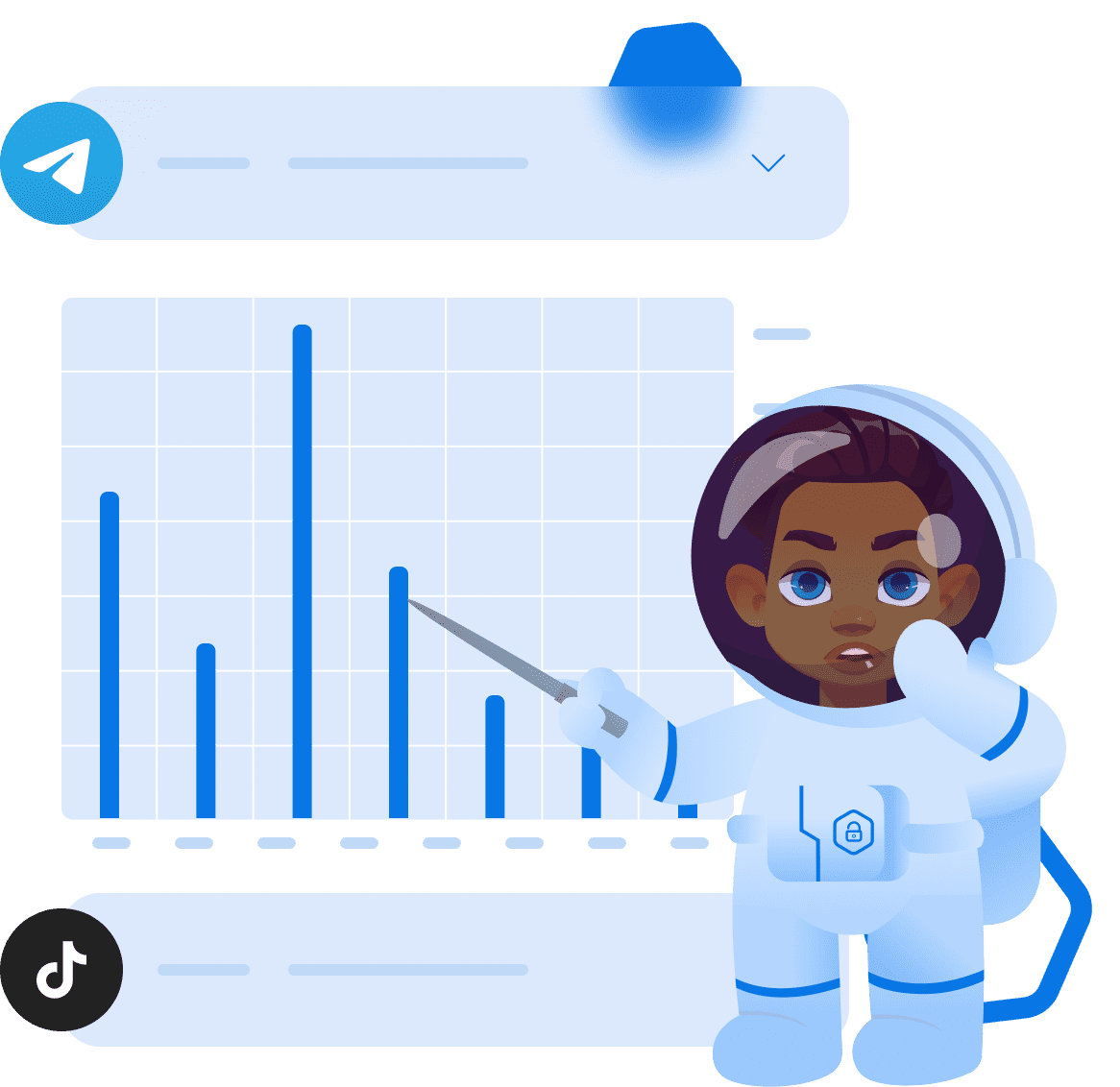
Application Use Statistics
The following is available to parents:
- Daily app usage statistics (only on children's Android devices).
- Weekly app usage statistics (only on children's Android devices).
- Application usage statistics by calendar (only on children's Android devices).
Although this trend negatively impacts adults and children alike, kids suffer the greater repercussions, as the excessive app usage impedes their physical and mental development, limits their social interactions, and affects their developing eyesight. Of course, parental control and apps usage monitoring are not a panacea, but it’s a step in the right direction.
Phone Statistics
The following is available to parents:
- View the battery level on the child's phone. Suitable if you want to check iOS or Android app battery usage of your kid. There are many reasons why you should check your kid’s battery level. For instance, it will allow you to identify excessive device use and rapid battery level drops, check whether your child has enough battery on the device for school, and so on.
- The amount of Internet traffic consumed (upload/download). Ensure that statistic apps usage doesn’t exceed the norm or schedule. If the kid exceeds the established time limit, use the Kroha app to restrict app usage.
- The size of the available phone memory, the size of the available SD card memory.




News Feed
Statistics of Phone Usage FAQs
How can phone usage statistics help parents?
Phone usage statistics help parents understand which apps the child uses most often and how much time they spend on the device. This can help parents identify possible sources of excessive phone use.
What information is shown in the Statistics section?
The Statistics section shows the child’s phone battery level, internet traffic usage, available phone memory, and available SD card memory. This helps parents understand the general status of the child’s device.
What can parents see in App Statistics on Android?
In App Statistics, parents can see how much time the child spends in apps on an Android device. Kroha shows daily, weekly, and calendar-based app usage statistics.
What does the News Feed show parents?
The News Feed shows information in chronological order about how the child interacted with the device during the day. Parents can see app usage, calls, messages, visited websites, and uploaded photos.
Is App Statistics available on a child’s iPhone?
No. App Statistics for individual apps is available only on children’s Android devices. It is not available on a child’s iPhone due to iOS system limitations.
Get to know other features of the parental control app







